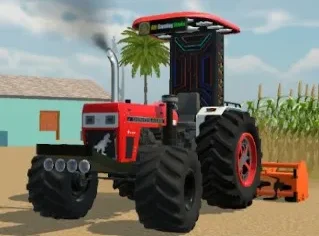
Does Indian Vehicles Simulator 3D Have a Drone Camera?
⏱ Time Required: 3 to 4 Minutes | 📱 Platform: Android | ✅ Last Verified: October 2026
Written by David Kalin, Gaming & SEO Expert with 5+ years covering mobile games. This is an independent fan resource and is not affiliated with, endorsed by, or operated by AN Gaming Studio.
Yes, and it’s easy to miss if you’ve never gone digging through the Customize menu. The drone camera is a real, confirmed feature — not a rumor, not a community request that never shipped. It’s sitting in the game’s own settings screen right now, waiting behind a single toggle.
Indian Vehicles Simulator 3D has a drone camera toggle in the Customize menu, giving you an aerial view option beyond the standard driving camera — useful for exploring the map, scouting your surroundings, or getting a wider view of a Tochan Mod pull.
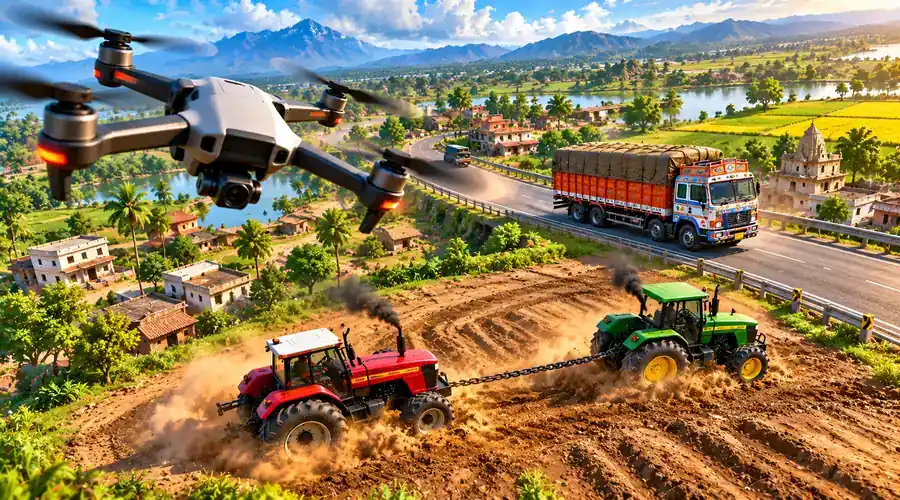
What the Drone Camera Actually Does
The drone camera gives you an aerial viewing angle completely separate from the default driving perspective — confirmed directly in our own screenshots of the Customize menu, where it appears as a dedicated toggle button. Instead of being locked to your vehicle’s standard camera, switching to drone view lets you take in the world from above: a genuinely different way to see the map compared to the ground-level view you get while driving. If you’ve already worked through our Controls & Buttons guide, think of it as one more camera option alongside the standard driving views — except this one leaves the ground entirely.
How to Turn It On
Open the Customize menu and look for the drone toggle among the settings buttons — it sits alongside familiar options like Save, Load, Credits, and the vehicle customization categories. It’s a straightforward on-off toggle, not a submenu with extra settings buried inside. Flip it on, and your view lifts into the air; flip it back off to return to the standard driving camera. There’s nothing to unlock and no level requirement we’ve found — if you can open the Customize menu, you can use the drone camera.
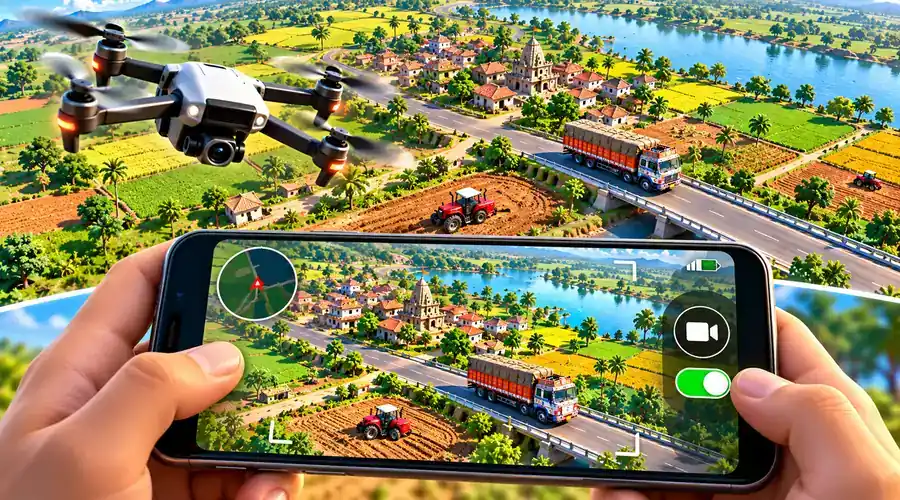
Best Uses for the Drone Camera
Tochan Mod is the most obvious showcase: the tug-of-war pull between your tractor and an AI opponent is genuinely easier to follow — and more fun to watch — from above than from a standard ground-level angle. You can see both tractors, the rope tension, and the distance markers in a single frame.
It’s equally useful for general map exploration. The game gives you two selectable maps, and getting your bearings across either one is much faster from overhead — you can see how regions, roads, and fields connect in a way that’s hard to piece together while driving through them at ground level. It’s also a handy scouting tool before you commit to a long drive: pop up, check the lay of the land, then drop back down and drive.
What We Haven’t Confirmed
Honesty check: we have not independently confirmed the full range of drone camera controls — whether it supports free movement in every direction, has a maximum height or distance limit, or behaves identically across every mode and vehicle type. Our screenshots confirm the toggle exists and what it’s generally used for, but we haven’t tested every edge case. Treat specific control details as something to discover in-game rather than something we can promise in advance, and if you find the exact limits, that’s worth sharing with other players.
⬇ Get Indian Vehicles Simulator 3D — Official Play Store
Frequently Asked Questions
Q: Does Indian Vehicles Simulator 3D really have a drone camera?
Yes — it’s a confirmed, real feature accessible through a toggle in the Customize menu, not a rumored or unreleased feature.
Q: How do I turn on the drone camera?
Open the Customize menu and use the drone toggle button. It sits alongside the other settings options like Save, Load, and the vehicle customization categories — just flip it on.
Q: What’s the drone camera useful for?
It’s particularly useful during Tochan Mod pulls for a wider view of the competition, and for general map exploration to get a sense of how different regions connect.
Q: Can the drone camera move freely in any direction?
We have not independently confirmed the full range of its movement controls — this is worth testing in-game directly rather than assuming specific behavior in advance.
Q: Does the drone camera work in every game mode?
We have not confirmed whether it behaves identically across Open World, Farming Mod, and Tochan Mod — treat this as something to verify yourself if it matters for your specific use case.